
Apple watch OS 2: Track Your Heart Rate with Runtastic

Technology | 29.09.2015
Share on Pinterest
Share with your friends


Submit

Today is a very special day because it’s dedicated to the heart: “World Heart Day” turns the spotlight on the struggle against cardiovascular disease and thus serves to remind us once again to take good care of our hearts. Keeping this important organ fit requires regular exercise and a healthy diet. The organization behind “World Heart Day” consists of more than 100 nations and was formed in 1978. For further information, see the official website of World Heart Day.

iOS 9 & Apple watchOS 2
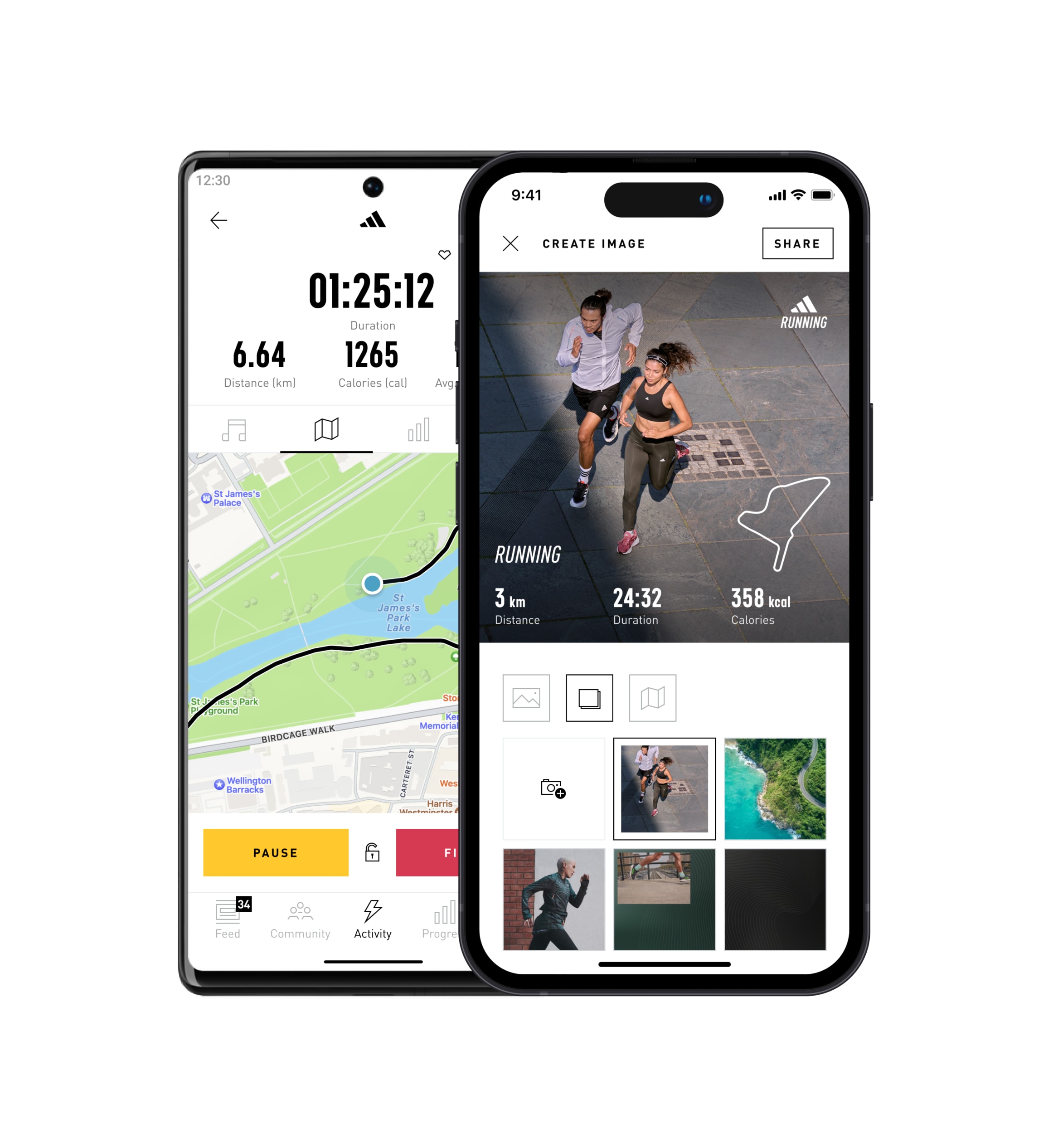
We at Runtastic feel that health is very important and we would thus like to help our users look after their hearts. Thanks to the recently released Apple iOS 9 update in combination with the new Apple watchOS 2, users of Apple Watch can now use the built-in heart rate monitor for their training with Runtastic.

How does it work?
To monitor your heart rate with Apple Watch during your next fitness activity, you must have installed both iOS 9 on your iPhone and Apple watchOS 2 on your Apple Watch. The next step is to check if you have the lastest version of the Runtastic app. If you don’t have this app yet, you can download it here.

If you want to record your heart rate, it is important that you start AND end the activity on your Apple Watch. This is the only way to ensure that your heart rate will be saved. Should any questions arise, however, you can find further information and support here.

You don’t have Apple Watch? No problem!
But even if you don’t own an Apple Watch or are an Android or Windows phone user, we can still offer you a wide range of options: Users of a Basis Peak fitness tracker can monitor their heart rate on both iOS and Android, or you can use our Runtastic Heart Rate Combo Monitor in combination with all platforms.

Regardless of the method you use – you shouldn’t just look out for your heart today! Daily exercise and a balanced diet are essential. We wish you a long and healthy life from the bottom of our hearts.


Please note: We’re looking forward to your feedback and suggestions in the comments section, but we can’t answer support inquiries on the blog. Please contact our Help Center if you require support, thanks!

***

Runtastic Team

We work non-stop to deliver diverse, quality content to help you live better with Runtastic. Whether you’re looking to drop some weight, fit extra movement into your day or improve the quality of your shut eye, you’re sure to find suggestions and inspiration here on our blog!

View all posts by Runtastic Team »

Similar articles you will like

Tags


Recent Posts

  • Vanessa Gareau

    Is it possible to do heart zone training with the apple watch ? By this I mean, will i get any kind of notification if I get out of my heart zone ?

    • Runtastic Team

      Hello Vanessa, thank you for your comment, unfortunately our Communications Team is not able to answer your question. Please contact our Support Team by logging into your account and clicking here: http://bit.ly/rtblhelp. They will be in touch with you soon!

  • Runtastic Team

    Hi Peter van der Lee, thank you for your message. We have our own Support Team for such questions. Please log into your Runtastic account and send over your request to our Support Team via this link http://bit.ly/rtblhelp & they’ll get it taken care of ASAP. Stay awesome!

  • Runtastic Team

    Hi Alan! Thanks for getting in touch with us. This topic is not our team’s specialty, but if you send your request directly to our Runtastic support platform, by logging into your Runtastic account and following this link http://bit.ly/rtblhelp, our hard-working team will get back to you with a solution as soon as possible.

  • Daniel

    Hallo. I have paired my IPhone 6 with IOS 9.0.2 and App,e watch OS2, and there is a problem with Runtastic. After running Runtastic on Apple Watch there is an info ” to use runtastic on your apple watch please complete the setup of runtastic on your iphone”. I’ve been trying to find any setup consernig Apple Watch on my IPhone’s Runtastic, but eny succes :(
    Can You help me please?

    Thanks
    Daniel

    • Runtastic Team

      Hi Daniel! Thank you for your comment, unfortunately our Communications Team is not able to answer your question. Please contact our Support Team by logging into your account and clicking here: http://bit.ly/rtblhelp. They will be in touch with you soon!

    • Bianca Tirlea

      For other desperate people, as I was a few minutes ago: I reinstalled everything (app on my phone + app on my watch). I made sure that all health shares were activated. I started an activity from my phone and got a question if I want to track it using my watch. Once I clicked yes, the stupid message dissapeard. The new type of activity is still not displayed on my watch, but I can at least track my heart rate. Hope this helps.

  • Runtastic Team

    Hi Cédrick, thank you for your comment, unfortunately our Communications Team is not able to answer your question. Please contact our Support Team by logging into your account and clicking here: http://bit.ly/rtblhelp. They will be in touch with you soon!

  • Runtastic Team

    Hi Jeff, thank you for your feedback!
    This topic is not our team’s specialty, but if you send your request directly to our Runtastic support platform, by logging into your Runtastic account and following this link http://bit.ly/rtblhelp, our hard-working team will get back to you with a solution as soon as possible.

  • Runtastic Team

    Hi Steven, thanks for getting in touch with us. This topic is not our team’s specialty, but if you send your request directly to our Runtastic support platform, by logging into your Runtastic account and following this link http://bit.ly/rtblhelp, our hard-working team will get back to you with a solution as soon as possible.

  • Mauro Bighin

    I hope someone of runtastic can read here since it’s so hard to find a contact to communicate them a bug.
    Since update to IOS 9.3 on Iphone 6S and OS Watch 2.2 on Apple Watch, the heart rate monitoring during activities does not work as it did before. The heart rate is measured at the beginning of the activity for just few minutes and then it stops. Once the hart rate was not measured at all… This was not happening before these updates. It looks like as if we returned back to the first release of Runtastic for Apple Watch, when measuring heart rate was a nightmere. THanks if anyone can help…

    • Runtastic Team

      Thanks for getting in touch with us. This topic is not our team’s specialty, but if you send your request directly to our Runtastic support platform, by logging into your Runtastic account and following this link http://bit.ly/rtblhelp, our hard-working team will get back to you with a solution as soon as possible.

  • Runtastic Team

    Hey Mauro,
    we already know what the problem is and are currently working on fixing it 😉 Please be patient!

    • Andreas Netzmann

      good to hear that! I experience exactly the same problem, always ~6 min after starting a workout the heart rate recording stops and the green workout indicator is no longer shown on the watch face.

      looking forward to an update fixing this issue.

    • Alejandro González Hernández

      Good to know this is being fixed. It’s a sad/annoying bug, for sure! I can’t wait to measure my heart rate with Runtastic again during my workouts on iOS 9.3 + OS Watch 2.2

    • AlecSkid

      I also have this issue, good to know you’re working on it.

  • Ross Idis

    Hello, are there any plans on releasing mountain bike or road bike apple watch app?

    • Runtastic Team

      Thanks for getting in touch with us. This topic is not our team’s specialty, but if you send your request directly to our Runtastic support platform, by logging into your Runtastic account and following this link http://bit.ly/rtblhelp, our hard-working team will get back to you with a solution as soon as possible.

  • Runtastic Team

    Hi there, unfortunately that’s not possible.